Zero Touch Onboarding
Business Automation
A structured onboarding system that takes a signed client from payment to active engagement in under 24 hours. Automated workspace creation, kickoff communication, and tier-specific input collection with zero dropped handoffs.
Download PDF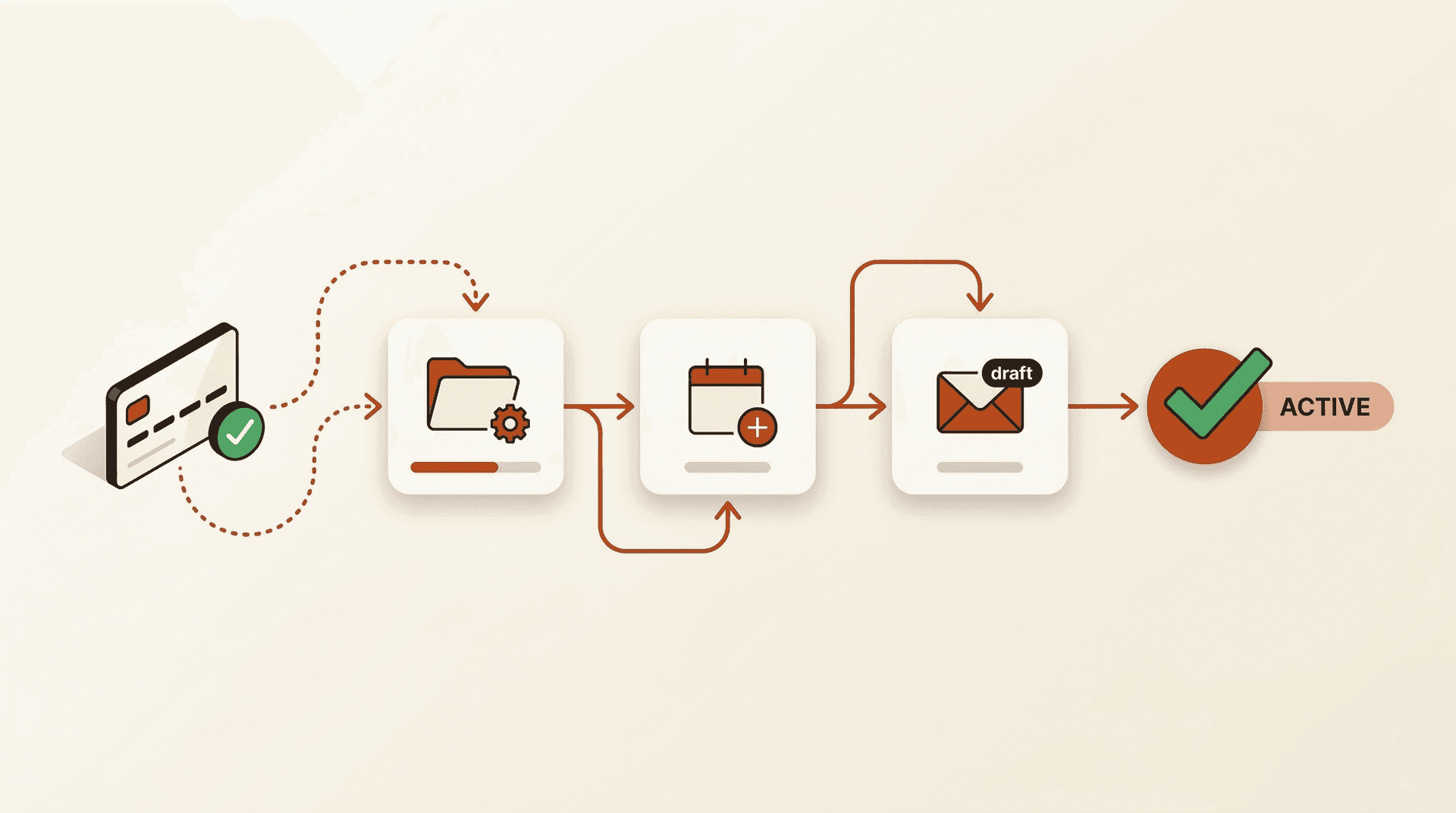
The Problem
The gap between payment and first milestone is where buyer's remorse lives. A client just committed money. The worst thing that happens next is silence. Without a system, the consultant scrambles to set up folders, draft emails, and remember what was agreed while the client wonders if they made a mistake.
The Approach
Built around one principle: the client just committed money. Within 24 hours, they should have a kickoff email, a shared workspace, and clarity on what happens first. Onboarding is not folder creation. It is transforming a prospect into a working client.
Intentionally Left Out
No client-facing portal yet. Communication runs through Google Chat (1:1 spaces) and email. A portal adds value at scale but adds complexity at this volume. Google Workspace handles everything at zero additional cost.
The Solution
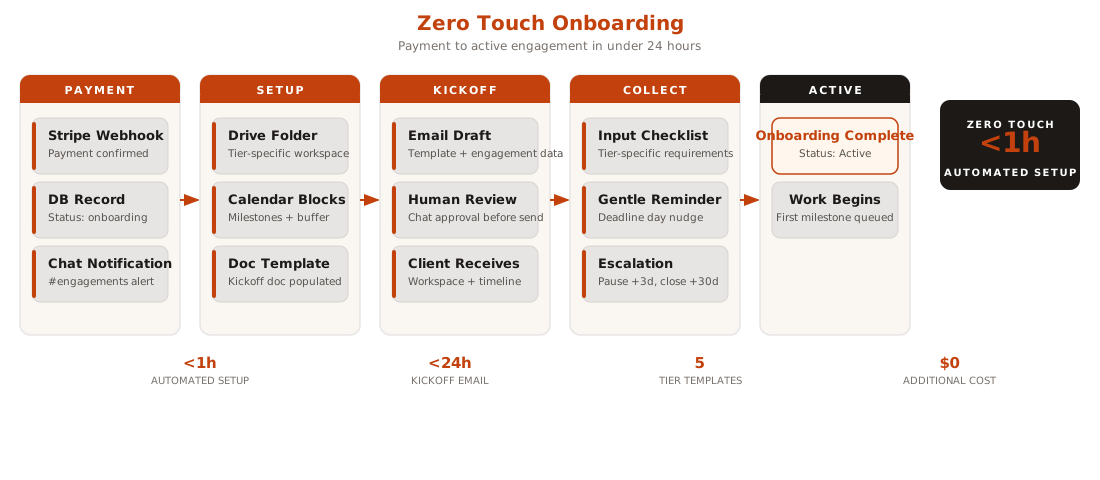
A complete onboarding flow triggered by payment confirmation. Every step hands off to the next automatically. The consultant reviews and sends the kickoff email. Everything else is handled.
Technical Highlights
Google Workspace APIs handle folder creation, document templating, calendar events, and email, all included in Business Standard at zero incremental cost
Tier configuration drives everything: one onboarding function, five different experiences based on engagement complexity
The pause mechanism protects margins: if a client takes 3 weeks to send brand assets, the delivery timeline shifts by 3 weeks, not the consultant working overtime to catch up
The Results
The methodology replaces ad-hoc onboarding with a repeatable system that scales across engagement tiers without additional manual work per client.
Lessons & Takeaways
Automate assembly, not judgment
The system creates folders, populates templates, and blocks calendar time. But the kickoff email, the first thing a paying client reads, always gets a human review. The 30 seconds spent reviewing is worth more than the hours of manual setup it replaces.
Tier-specific templates prevent over-communication
A Reality Check client needs a session date and prep instructions. A Launch client needs an 8-week schedule, credential checklists, and handoff plans. One-size-fits-all kickoff emails either overwhelm small engagements or under-prepare large ones.
The pause mechanism is a feature, not a bug
When a client delays sending required inputs, the engagement pauses and the timeline shifts. This protects the consultant from scope creep by delay and sets clear expectations from day one.